
How to Play Verity Mod in Minecraft: Gameplay & Survival Guide
If you are asking how to play Verity Mod in Minecraft, begin with a small Java test profile and a fresh world. The first session is less about rushing into a large modpack and more about observing how the companion, conversation layer, darkness and horror events affect ordinary survival. This guide explains the gameplay loop and what to expect; it is not a second download page. Java Verity JE and Bedrock add-ons are separate projects, and the original Verity video concept is not the same thing as every playable file.
Gameplay facts and project sources checked August 22, 2026.
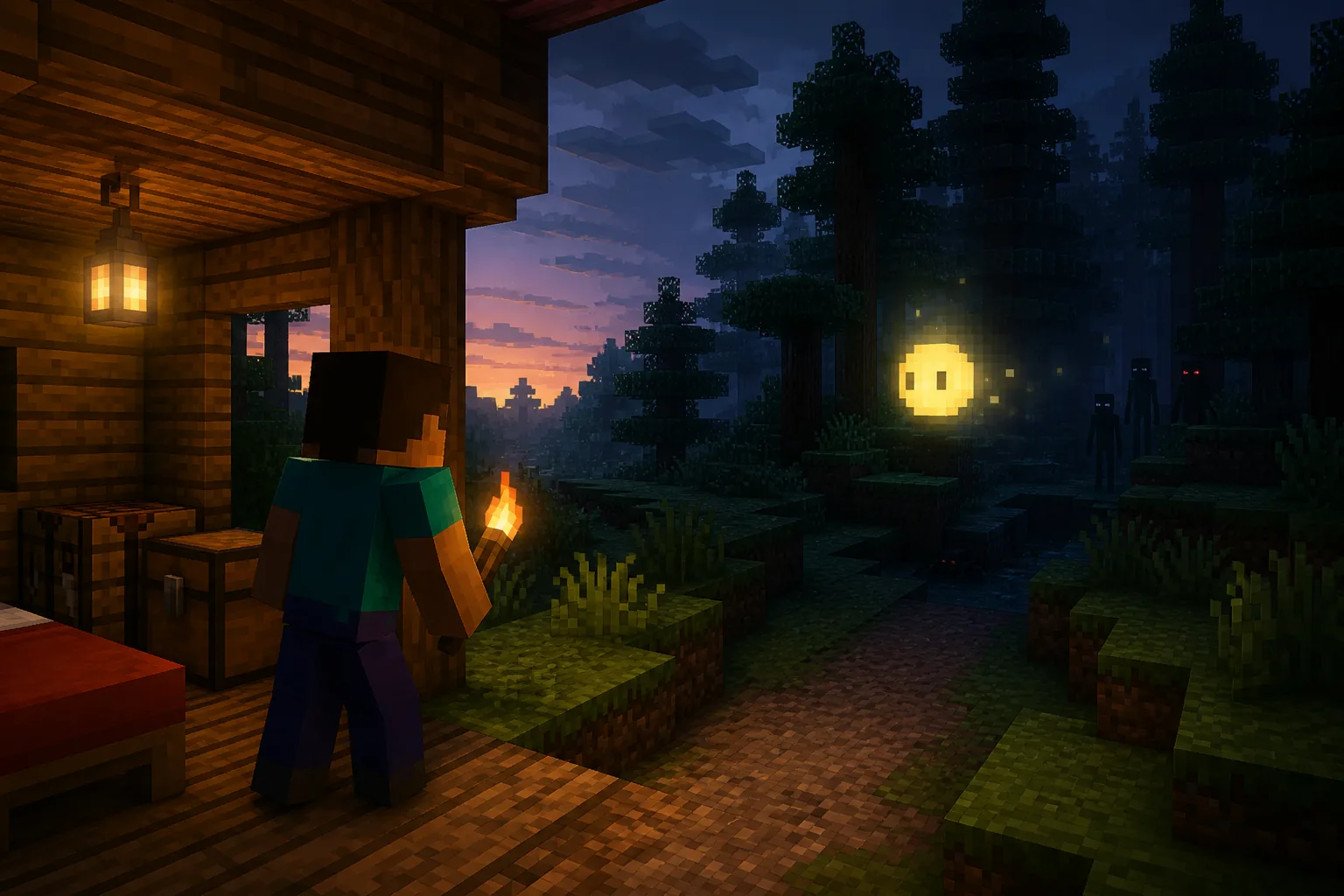
This guide explains gameplay. It does not start a download.
The short answer: start small and watch the loop
The safest way to play Verity Mod is to treat the first launch as a controlled experiment. Use a clean profile, a new world and only the files required by the chosen project. Once the game reaches the world, gather ordinary materials, check that the companion appears or responds as expected, and note the first unusual event instead of immediately adding more mods.
For Java players, the site's verified baseline is Verity JE 5.7.4 for Minecraft 1.20.1 with Forge. Read the current Java requirements guide before starting. If you are using a Bedrock add-on, switch to the Bedrock project guide because a JAR and an MCADDON are not interchangeable.
- Use a separate launcher profile and a fresh test world.
- Keep a backup before an event, update or pack change.
- Test text interaction before microphone or speech output.
- Record the first useful error instead of changing five files at once.
| Stage | What to do | What it tells you |
|---|---|---|
| Clean start | Launch only the selected Verity project and its named dependencies. | Whether the base profile is healthy. |
| First world | Use a disposable world and gather simple materials near shelter. | Whether normal survival and the mod load together. |
| First response | Try a short text prompt or observe the companion before enabling voice. | Whether the interaction path is configured. |
| First event | Pause, light the area and record what changed. | Whether the behavior is a game event or a setup failure. |
What happens during a first Verity session
A first session usually has three layers. The Minecraft layer is ordinary survival: shelter, light, food, tools and a world you can afford to abandon. The Verity layer adds a visible companion or device-like presence, conversation and environmental changes. The horror layer changes the meaning of familiar spaces through darkness, timing, sudden encounters or the Verity Demon described by the project materials.
Do not judge the mod only by whether a dramatic event appears in the first minute. Some behavior depends on the release, world state, configuration or a separate AI connection. A quiet first night can mean that your baseline is healthy. A crash before the title screen, a missing dependency or an import that never activates belongs in the existing troubleshooting guide, not in a gameplay verdict.
- Explore close to a known shelter so you can return without guessing.
- Keep the first test short enough to repeat after one change.
- Separate a missing feature from a broken launch or disconnected service.
- Use the release notes and project description as the authority for optional behavior.
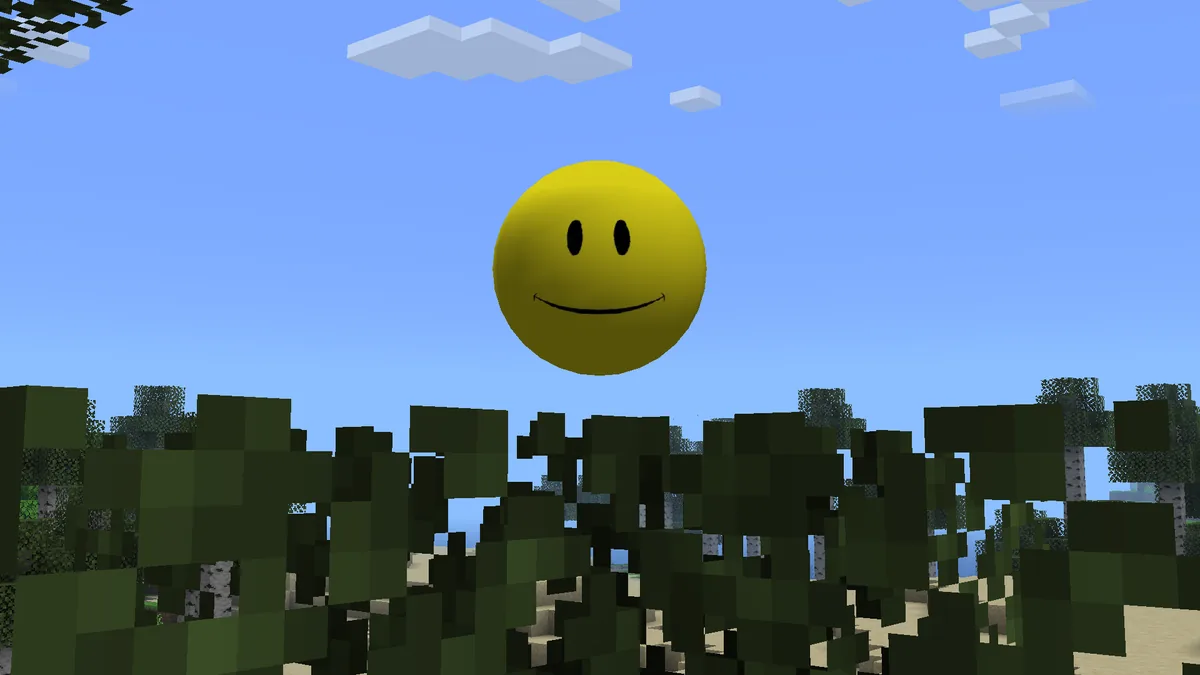
How the horror side changes normal survival
The horror intent is not a replacement for Minecraft fundamentals. Light the route back to shelter, keep food and basic tools ready, and avoid taking a valuable world into the first test. The difference is that familiar survival decisions become information: darkness can hide an event, a quiet area can be a warning, and an encounter may be easier to understand when you know which version and configuration produced it.
The Verity Demon and other frightening imagery should be treated as part of the project's experience, not as a promise that every installation will show exactly the same sequence. If you want to compare the character, the original video concept and playable implementations, use what is Verity and real or fake as separate context pages.
- Carry a light source and keep a visible route home.
- Stop the session if you lose track of the world state or feel a save is at risk.
- Do not treat a screenshot, mirror or dramatic video as proof of file identity.
- Compare the same scene again after changing only one configuration variable.

Use text first, then decide whether voice helps
Voice can make the companion feel more immediate, but it adds more failure points than a text-only test. Microphone permissions, push-to-talk, speech recognition, an AI endpoint and text-to-speech output are separate layers. Start with text so you know whether the mod and connection work before debugging audio.
When text succeeds but voice does not, open the site's voice interaction guide and check one layer at a time. Do not paste private API keys into a chat, and do not assume a Bedrock add-on, a Java voice setup or Simple Voice Chat uses the same conversation path.
- Confirm the text response before opening microphone permissions.
- Test push-to-talk and input device selection separately.
- Treat speech recognition, AI generation and speech output as different checks.
- Keep credentials private and record only the first useful error.
Keep Java and Bedrock expectations separate
The phrase Verity Mod can point to more than one project. Java players use a loader-compatible JAR and a Forge profile; Bedrock players use a separate add-on package, author and activation flow. The gameplay question can be similar, but the files, update history, supported features and troubleshooting steps are not shared automatically.
If you are unsure which project a video shows, stop before importing a file. Check the author, Project ID, Minecraft edition, filename and source page on the download center. For Bedrock, the current Verity BE listing is separate from the other Bedrock Edition project; do not merge their packs or version numbers.
| Question | Java route | Bedrock route |
|---|---|---|
| Package | JAR in a compatible loader profile | MCADDON or MCPACK project package |
| Current site baseline | Verity JE 5.7.4 · Minecraft 1.20.1 · Forge | Separate Bedrock projects with their own version records |
| First test | Clean Forge profile and disposable world | Import, activate the named packs and test a new world |
| Next guide | Java requirements and install steps | Bedrock comparison and install steps |
A practical first-night routine
Create or load a disposable world close to a simple shelter. Spend the opening minutes on ordinary survival rather than trying to force a horror event. Place light, collect food, make a basic tool set and keep the return route visible. Then perform one small interaction or wait through one short cycle while watching the logs and screen for the first useful clue.
If the session is stable, save a note with the Minecraft version, loader, Verity release, dependency versions, world state and what you observed. This gives you a baseline for voice, multiplayer or a later update. If the session is not stable, stop and use the first-error workflow instead of adding more files.
- Shelter and light first.
- One interaction path at a time.
- One change between repeat tests.
- Backup before updates or multiplayer experiments.
What not to assume from the original video
A horror video can combine editing, narration, a specific build and a fictional story with a later playable project. A playable Verity implementation can capture the character or atmosphere without reproducing every scene, line or event from the video. That difference is why source identity, release notes and edition checks matter more than a dramatic thumbnail.
The same caution applies to voice. A credited character voice, an AI-generated response, a text-to-speech setting and a community voice pack are different claims. Use the voice guide and project record for the feature you actually installed.
When to switch to another Verity guide
Use the gameplay page for expectations and a first-session routine. Switch to the Java install guide or Bedrock install guide when the package is not installed yet. Use multiplayer only after one clean local test works, and use troubleshooting when the first useful error points to loading, import, voice or connection problems.
This separation keeps the page useful for gameplay searches without competing with the site's download and setup destinations. It also makes future version changes easier to audit: release facts stay on the version pages, while this guide explains how to approach a session safely.
How to Play Verity Mod FAQ
Is this the same as the original Verity video?
No. The video concept, the fictional character and playable Java or Bedrock projects are related but not interchangeable. Check the source and project identity before downloading or importing anything.
What Java version should I use first?
The site's verified stable starting point is Verity JE 5.7.4 for Minecraft Java 1.20.1 with Forge. Confirm the current project record before updating, and use a separate test profile.
Do I need voice to play Verity Mod?
No. Start with text or the basic interaction path. Voice adds microphone, permission, recognition and speech-output checks, so open the voice guide only after the base session is stable.
Can I use the same gameplay steps on Bedrock?
The general safety habits transfer, but the files, authors, packs and activation steps do not. Use the Bedrock comparison and install guides for the selected project.
Can I play with friends immediately?
Test one clean local Java profile first. Multiplayer requires compatible server and client versions, files and dependencies; the multiplayer guide covers that separate setup.
What should I do if the mod crashes?
Stop changing files, record the first useful error and compare the edition, Minecraft version, loader, dependencies and release. Then use the troubleshooting guide rather than downloading a random mirror.
Official project and media sources
- Verity JE official Modrinth project — Project identity, feature description and Java release context.
- Verity JE official gallery — Gallery visuals for the companion and horror presentation.
- Official setup tutorial linked from the project record — Additional first-party context; the page does not depend on the video to convey its answer.
- Verity BE official CurseForge project — Separate Bedrock project reference; do not mix its package or version history with Java.