
Verity Mod Versions and Compatibility
Check the current stable Java release, separate beta builds, Forge requirements and Bedrock project identity before you download or update.
Release records checked August 22, 2026. Stable Java: 5.7.4; beta preview: 6.0.0-beta.7; Bedrock record: 4.0.0 hotfix for 26.40.
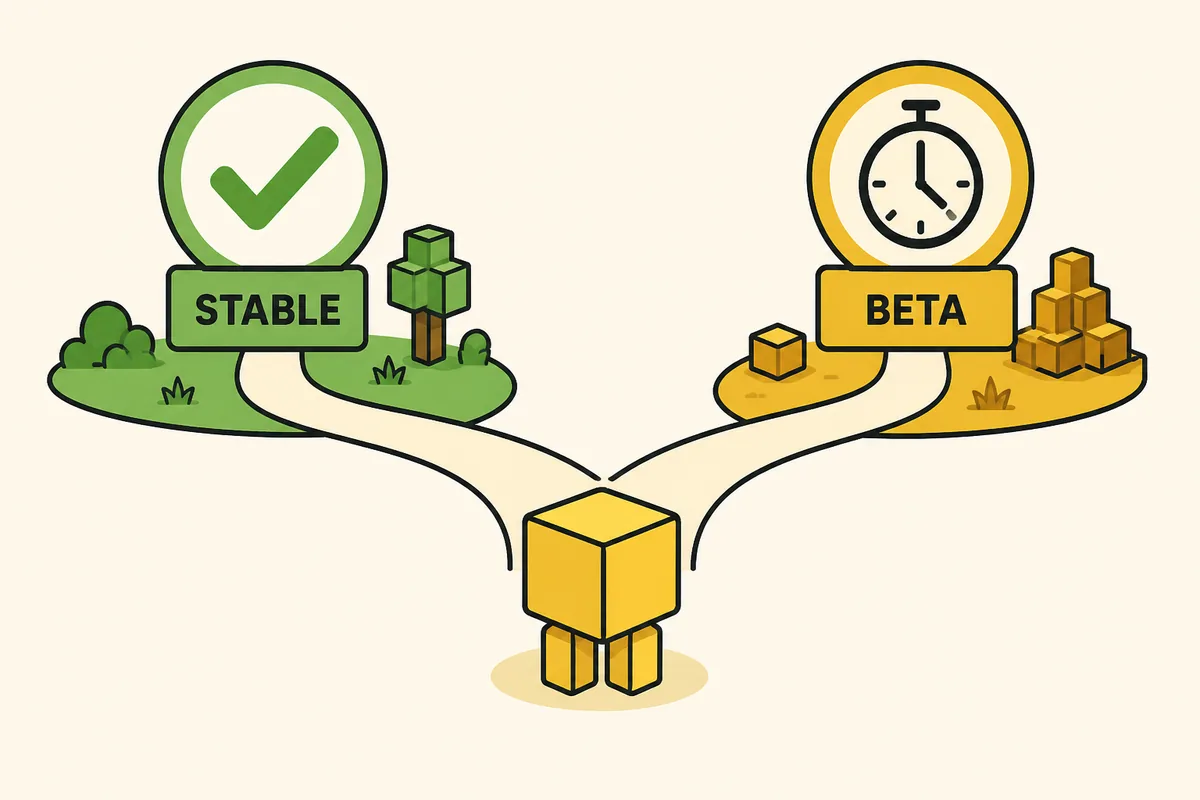
Stable Modrinth file. Match Minecraft 1.20.1, Forge and dependencies before opening it.
Current Java release records
The current verified stable Java record is Verity JE 5.7.4, published August 17, 2026. It targets Minecraft 1.20.1 with Forge and replaces the previous stable CTA. The newest beta, Verity JE 6.0.0-beta.7, is shown as a separate preview rather than a silent upgrade.
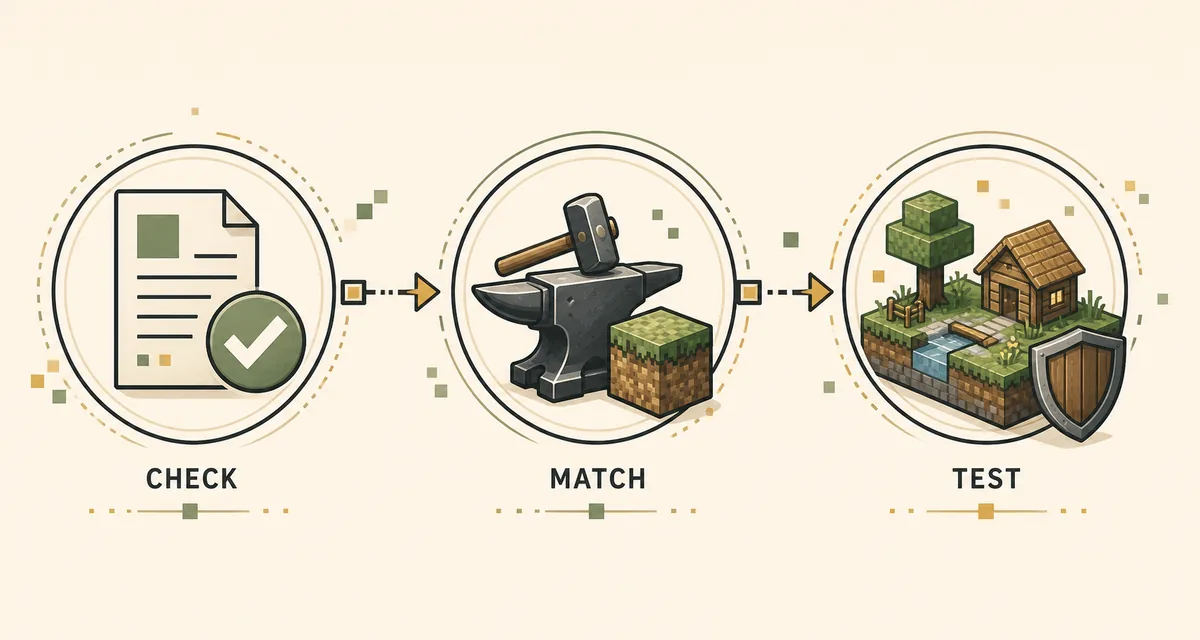
Use the table as a release identity check before downloading. A version number alone is not enough: compare the release type, game version, loader, file name, size and published hash.
- Stable: Verity JE 5.7.4 · Minecraft 1.20.1 · Forge · verity-5.7.4.jar.
- Beta: Verity JE 6.0.0-beta.7 · Minecraft 1.20.1 · Forge · separate test profile.
- The stable CTA uses a verified Modrinth CDN file; beta remains a publisher-record reference only.
| Record | Minecraft / loader | File | Size | Published |
|---|---|---|---|---|
| Stable | 1.20.1 · Forge | verity-5.7.4.jar | 246,483,796 bytes | August 17, 2026 |
| Beta | 1.20.1 · Forge | verity-6.0.0-beta.7.jar | 257,909,430 bytes | August 19, 2026 |
Java compatibility: match the whole stack
A Java installation is a complete compatibility stack, not just a JAR. Start with Minecraft 1.20.1, select Forge, then use the current Verity JE file and matching GeckoLib and YACL dependencies. The Java requirements page and Java installation guide explain the folder and profile checks.
Do not infer support from a larger Minecraft number. This verified stable record does not turn into a Fabric, NeoForge or Minecraft 1.21.1 build simply because another project listing mentions those terms.
- Match Minecraft, Forge, Verity JE, GeckoLib and YACL to the same profile generation.
- Keep stable and beta files in separate instances so logs and saves cannot be confused.
- Hash the downloaded file when the publisher supplies a hash; stop if the name, size or hash differs.
Bedrock is a separate project choice
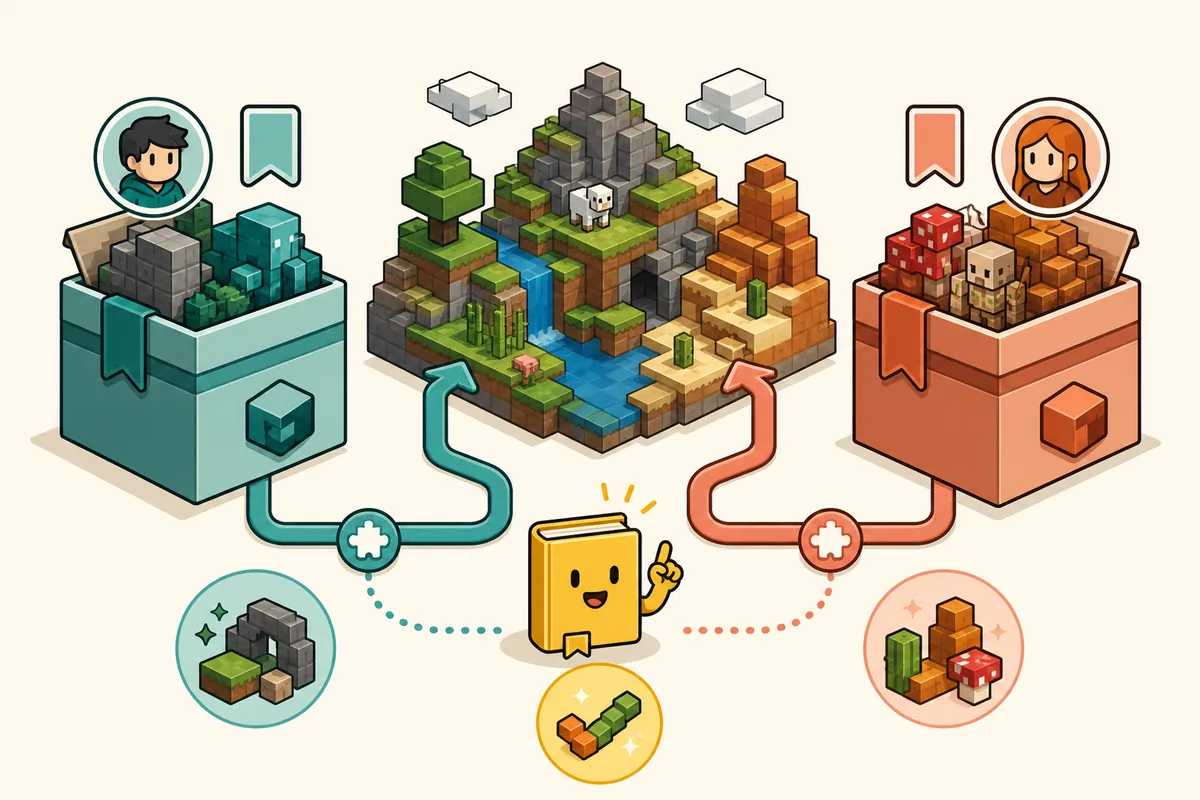
Bedrock is a separate project and file path. The checked Verity BE record identifies author Undertaletalelover, Project ID 1574632, file Verity (Hotfix) (4.0.0)-(26.40).mcaddon, Bedrock 26.40 and a displayed size of 23.8 MB. Use the Bedrock comparison page before importing.
No stable direct Bedrock file URL was independently verified for this record, so the download fallback remains the CurseForge file page. Do not guess a CDN path and do not import the Java JAR into Bedrock.
- Compare the author, Project ID, supported Bedrock build and file extension.
- Use .mcaddon or .mcpack instructions for Bedrock; use .jar and Forge instructions for Java.
- Test one identified project in a new world and enable only the experiments it documents.
Update or roll back safely
Before an update, back up important worlds, duplicate the working instance and record the old file name and hash. Install the new release in a disposable test profile first. This keeps a stable save from becoming the test environment for a beta or a different edition.
If the new file fails, return to the last known-good record and follow the troubleshooting guide. Change one variable at a time: release, loader, dependency, world or remote connection.
- Back up worlds and keep stable and beta profiles separate.
- Record Minecraft, loader, Verity version, dependencies and the first useful error.
- Roll back to the verified stable file before testing another source or mirror.
Common version mistakes
The most common version mistakes are treating Java and Bedrock as interchangeable, assuming Fabric or NeoForge support from a search result, and using a renamed mirror whose Project ID cannot be checked. The source, author, extension and compatibility record should all agree.
For a safer handoff, compare the source fields in the download safety checklist and keep the current download center open while you install. A page that hides the project identity or promises one file for every edition is not a reliable version record.
- Do not install a Java JAR in Bedrock or a Bedrock add-on in a Forge profile.
- Do not call a beta stable just because its number is higher.
- Do not use an anonymous mirror when the publisher page is available.
Where to go next
Use Download for the source-linked file center, Java for Forge requirements, and Bedrock for project identity. The version page is the compatibility checkpoint between those pages, not a replacement for their installation steps.
Minecraft builds, loaders, dependencies and community projects can change after the checked date. Revisit the publisher record before calling a future release current, safe or compatible.
- Download the verified stable Java file.
- Compare Bedrock author and Project ID before importing.
- Use the installation and troubleshooting guides after the edition is confirmed.
How the version records are checked
Release facts on this page are tied to the publisher's project records, not to a guessed filename or an anonymous mirror. Stable and beta records are separated, and Bedrock is identified by its own author, Project ID, platform build and package format.
This is an independent fan guide. It does not own, modify, repackage or permanently guarantee third-party files. Keep a backup and check the source again when Minecraft or the project changes.
Verity Mod versions FAQ
What is the latest stable Verity Java version?
The verified stable record is Verity JE 5.7.4, published August 17, 2026, for Minecraft 1.20.1 with Forge. The direct file is verity-5.7.4.jar and its published SHA-1 is 2c1a7a5d4105ce809c61846e42f39cda19375ef3.
Is Verity JE 6.0.0-beta.7 a stable release?
No. Verity JE 6.0.0-beta.7 is a beta record published August 19, 2026. Keep it in a separate test profile and do not replace the stable download button with it.
Which Minecraft and loader does the stable Java file use?
The verified stable Java record targets Minecraft 1.20.1 with Forge. GeckoLib and YACL must also match the project record; a Java JAR is not a Fabric, NeoForge or Bedrock add-on file.
Can I install the stable Verity file on Fabric or Minecraft 1.21.1?
This page does not claim that combination. The current verified stable record is Forge on Minecraft 1.20.1. Use the publisher's current relations and requirements before trying another loader or game version.
Which Bedrock Verity file should I compare?
The checked Verity BE record is by Undertaletalelover, Project ID 1574632, with Verity (Hotfix) (4.0.0)-(26.40).mcaddon for Bedrock 26.40. Compare the author and Project ID because similarly named Bedrock projects are separate.
Why does the mod stop working after an update?
Recheck the edition, Minecraft build, loader, file name, dependencies and first error in a clean test profile or world. A beta, a different Bedrock project or a mismatched dependency can look like a broken download.
Version and project sources
- Verity JE version list on Modrinth — Stable and beta release records, loaders, file names and publication dates.
- Modrinth version metadata — Published sizes, hashes, source files and game-version metadata.
- Verity BE file record on CurseForge — Author, Project ID, Bedrock build, package name and current file page.