
Minecraft Verity Mod Download: Java or Bedrock?
Start with the edition, not the filename. The verified stable Java path is Verity JE 5.7.4 for Minecraft 1.20.1 with Forge; Bedrock uses separate add-on projects. Continue with Java installation guide or Bedrock project guide after identifying the correct file.
Release records checked August 22, 2026. The stable Java record remains 5.7.4; newer beta records are listed separately and are not treated as the stable download.

Stable release. Check the source, filename and SHA-1 before opening it.
Choose Java or Bedrock before downloading
A Java mod is a loader-managed JAR. The stable Verity JE record uses Minecraft 1.20.1 with Forge, while a Bedrock add-on follows another package and installation flow. A Java JAR cannot be imported into the Bedrock app, so open Java installation guide after confirming the edition.
The shared Verity name is not enough to identify a file. Compare the author, Project ID, supported game version, loader or add-on format, filename and source page. For a Bedrock package, use Bedrock project guide instead of assuming that a similarly named result mirrors the Java mod.
- Java stable path: Verity JE 5.7.4, Minecraft 1.20.1, Forge, .jar.
- Bedrock path: a project-specific MCADDON or MCPACK with its own author and setup notes.
- Do not rename a JAR to make it look like a Bedrock package.
- Back up a world before testing a new mod or add-on.
Compare project identity and release fields
This table is a dated project snapshot, not a promise that every community listing stays unchanged. Java release fields were checked against the Modrinth API. Bedrock rows preserve the identifiers already recorded on the site; use their public project pages to confirm a new Bedrock file because the scripted page check received an access restriction.
Use a Project ID when several results have similar names. A matching logo or thumbnail is weaker evidence than a traceable author, version history and published file record.
| Project | Author / ID | Edition | Recorded file context |
|---|---|---|---|
| Verity JE | VarmiteYT · 1591438 | Java | 5.7.4 stable · 1.20.1 · Forge |
| Verity BE | Undertaletalelover · 1574632 | Bedrock | Recorded 4.0.0 · Bedrock 26.40 |
| Verity - Bedrock Edition | PnTMC · 1575941 | Bedrock | Recorded 3.2.0 · Bedrock 26.40 |
What the stable Java record confirms
The stable Verity JE 5.7.4 record is published for Minecraft 1.20.1 with Forge. Its primary file is verity-5.7.4.jar, the published SHA-1 is 2c1a7a5d4105ce809c61846e42f39cda19375ef3, and the published size is 246,483,796 bytes. The CDN destination returned the JAR MIME type and a matching total size. Review download safety checklist before opening it.
Modrinth also lists beta records after the stable release. A recent beta has inconsistent display fields between its name, version number and filename, so this guide keeps the stable CTA focused on 5.7.4. A beta is a testing choice, not a silent replacement for a stable installation.
Verify the file after it arrives
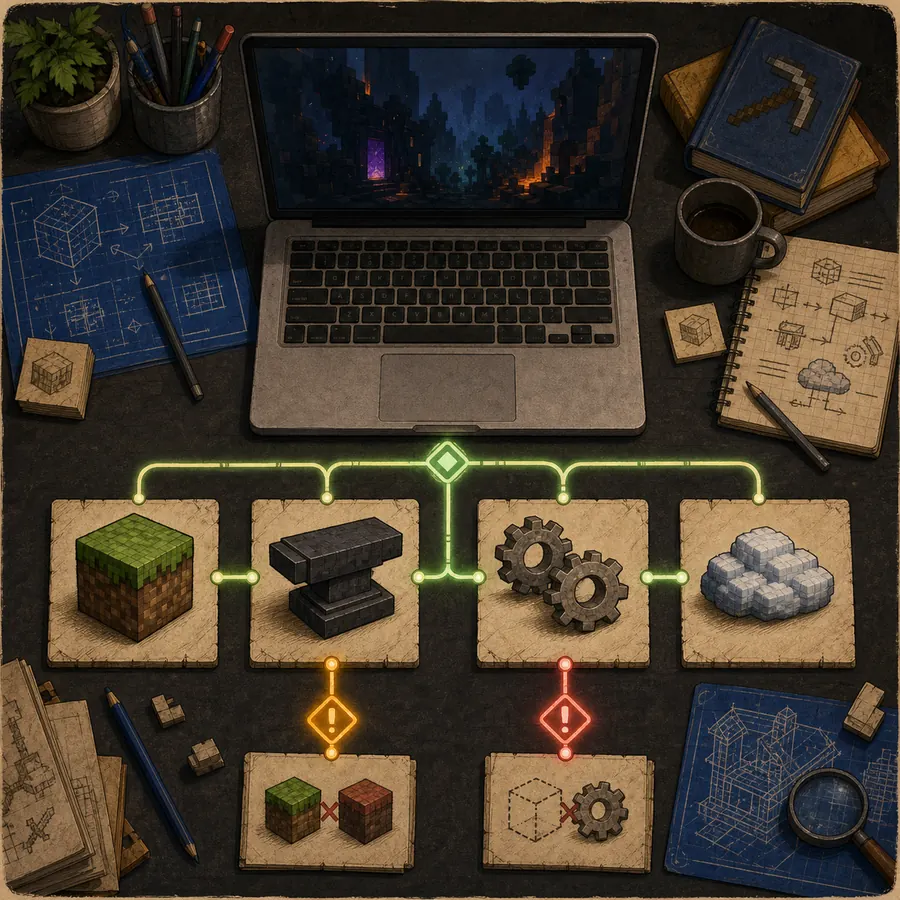
Save the source page and compare the local file with the project record before moving it into a game directory. The goal is to catch a wrong edition, incomplete transfer, renamed mirror or mixed release before it changes a world.
If the file does not match, stop and return to the project page. For a Java setup error, continue with Java installation guide and then troubleshooting guide so the Minecraft version, Forge profile and dependency list remain visible.
- Confirm the URL host and project identity.
- Check the extension: .jar for Java, not .mcaddon or .mcpack.
- Compare filename, size and SHA-1 when the publisher supplies them.
- Test in a clean Forge profile or a new Bedrock world.
- Keep the original release page available while troubleshooting.
How to compare Java and Bedrock download formats
Java Edition uses a Forge profile and a JAR file. Bedrock uses add-on packages and may require resource packs, behavior packs, experiments or a project-specific service. These systems are not interchangeable even when both projects use the Verity name.
A report that says only ‘Verity does not work’ hides the edition, loader and package format. Record those facts before asking for help so the next person can reproduce the same setup.
Why a beta is not the same as the latest stable release
A beta can contain useful fixes or new features, but it may change configuration behavior or have incomplete documentation. The stable path is easier to explain because its filename, version type, date and hash are consistent in the release record.
If you intentionally test a beta, create a separate instance and do not overwrite a working world. Keep its exact release ID and filename in your notes so stable and beta evidence do not mix.
What to do when a download page looks suspicious
Pause when a page hides the project author, uses a countdown before revealing the source, offers a renamed archive or claims that one file works on every Minecraft edition. Compare the maintained project page instead.
Verify identity first, then follow download safety checklist. The download center helps you choose a project and format; it does not turn an unknown mirror into an official source.
Keep the download record for troubleshooting
Write down the edition, Minecraft version, loader, Project ID, filename and first error message. This record often distinguishes a wrong file from a missing dependency or an unavailable external service.
When the Java file is correct but the game fails, use Java installation guide for profile and dependency checks. For broader issues, use troubleshooting guide without replacing the file at random.
Minecraft Verity Mod download FAQ
What is the current stable Verity Java version?
The verified stable record is Verity JE 5.7.4 for Minecraft 1.20.1 with Forge. A newer beta listing exists, but this page does not label it as the stable release.
Can I install the Java JAR on Bedrock?
No. Java uses a loader-compatible JAR, while Bedrock uses project-specific add-on packages. Choose the edition first and follow the matching project instructions.
Does this site repackage the file?
No. The Java CTA points to the published Modrinth CDN file. The page records the identity and verification fields so you can compare the destination before opening it.
Why does the page mention a beta?
The official project record lists beta entries after 5.7.4. They remain separate because their display fields are not treated as a stable replacement.
What should I do if the file does not work?
Stop mixing files, confirm Minecraft 1.20.1 and Forge, check GeckoLib and YACL, then use the Java installation and troubleshooting guides with the exact error message.
Release and project sources
- Modrinth project record — Project identity and Java project description.
- Modrinth version records — Release type, date, filename, size and SHA-1 for the stable record.
- Verity BE project page — Use the maintained listing to confirm the current Bedrock file.
- Verity Bedrock Edition project page — Use the maintained listing to confirm the current Bedrock file.