
Compare Verity Mod Bedrock Add-ons
The name Verity Mod Bedrock can refer to more than one community add-on. Compare the author, Project ID, recorded release and package context before you choose a file or follow setup advice.
Repository snapshot checked September 19, 2026. CurseForge pages returned an access challenge in this environment, so the dated records below are preserved as a comparison snapshot, not a promise that they are the latest files.
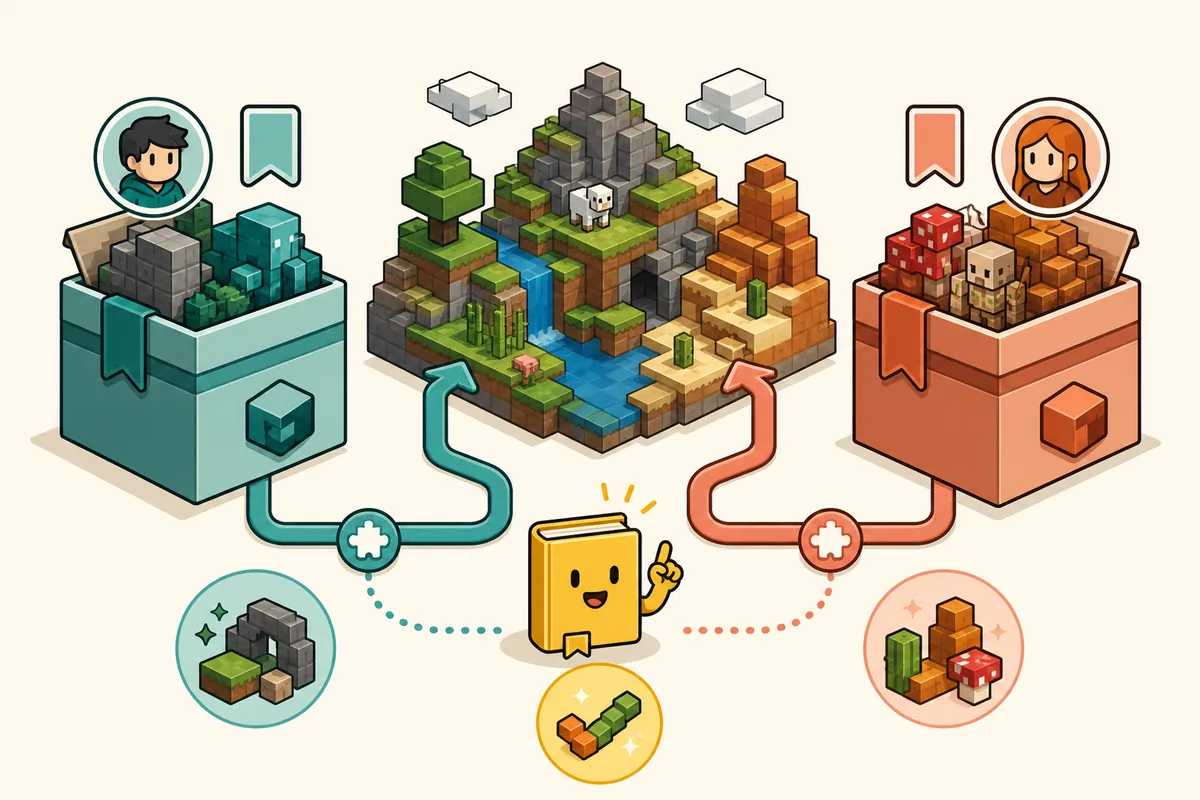
Source pages open in a new tab. Recheck the Files tab and supported Minecraft build before every new import.
The two projects in one glance
A search for Verity Mod Bedrock does not identify one universal package. The repository's dated project records show two separate Bedrock listings: Verity BE by Undertaletalelover and Verity - Bedrock Edition by PnTMC. Each listing has its own Project ID, files, release notes, support history and instructions. Treat the names as a useful search clue, not as proof that the packages are interchangeable.
The version numbers also belong to different release lines. A recorded 4.0.0 for Verity BE is not automatically newer than a recorded 3.2.0 for the PnTMC project. Compare the publisher, supported Bedrock build, package notes and update date together before enabling packs or changing a world.
| Project listing | Author / Project ID | Recorded snapshot | How to use the record |
|---|---|---|---|
| Verity BE | Undertaletalelover · 1574632 | Version 4.0.0 · Bedrock 26.40 · recorded August 16, 2026 | Use its own Files tab, notes and support instructions. |
| Verity - Bedrock Edition | PnTMC · 1575941 | Version 3.2.0 · Bedrock 26.40 · recorded July 27, 2026 | Treat it as a separate implementation with its own file history. |
What to compare before downloading
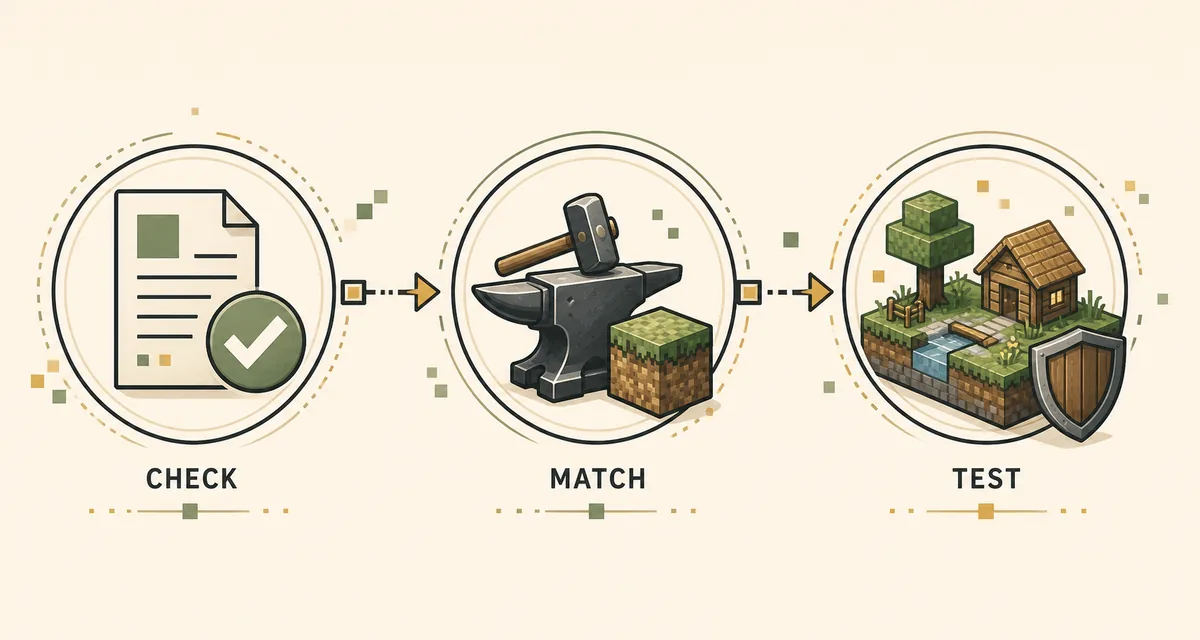
The safest Verity Mod Bedrock comparison starts with identity rather than screenshots. A project icon, a copied description or a familiar filename can be reused by a mirror. An author name and Project ID give you a stable way to return to the intended listing. Once the identity matches, compare the exact Minecraft build, package format, required experiments, external service notes and the file's publication date.
If a download page says that one file works on every Minecraft edition, pause. Java uses a loader-compatible JAR, while Bedrock projects use add-on packages and may separate behavior packs, resource packs and scripts. An MCADDON can import successfully while its packs remain inactive. Follow one identified project from source to test world instead of combining pieces from two listings.
- Match the project name, author and Project ID on the maintained source page.
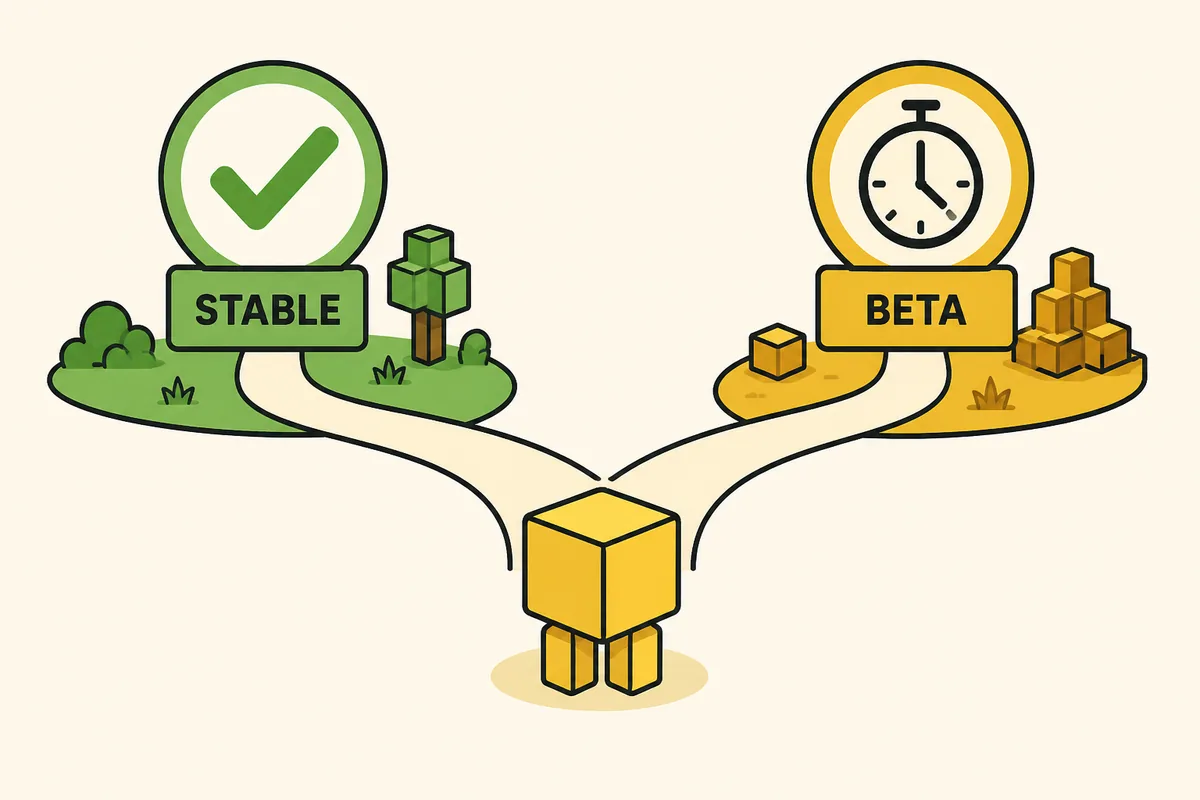
- Check the exact Bedrock build and whether the project targets stable or preview Minecraft.
- Keep the original MCADDON or MCPACK filename; do not rename a Java JAR into a Bedrock package.
- Read notes about Beta APIs, experiments, behavior packs, resource packs and external connections.
- Save the source URL and release record so a later troubleshooting step can reproduce the same setup.
Compare the recorded release and compatibility fields
The table above is a dated evidence snapshot carried from the site's project checks. It is useful for separating the two release lines, but it should not be read as a permanent latest-version claim. CurseForge pages were not readable from the current research environment on September 19, 2026, so the next user action is to open the maintained project page and verify its Files tab, supported Minecraft build and notes before importing.
Bedrock compatibility is a stack, not a single number. The Minecraft build, pack format, behavior/resource pairing, experimental toggles and any remote conversation service can all affect the result. If an add-on imports but Verity does not appear, confirm the project identity and activate the packs named by its instructions before investigating anything else.
| Check | Verity BE record | Verity - Bedrock Edition record | Why it matters |
|---|---|---|---|
| Identity | Undertaletalelover · 1574632 | PnTMC · 1575941 | Prevents advice and files from being mixed. |
| Recorded version | 4.0.0 | 3.2.0 | Different numbers do not form one shared version ladder. |
| Recorded game build | Bedrock 26.40 | Bedrock 26.40 | The same game build still does not make the add-ons interchangeable. |
| Package context | Project-specific MCADDON or pack set | Project-specific MCADDON or pack set | Import and activation instructions belong to the chosen project. |
| Source action | Open the maintained CurseForge listing | Open the maintained CurseForge listing | Recheck files and notes when Minecraft updates. |
Keep one project's package and instructions together
After choosing a Verity Mod Bedrock project, keep its original package, release notes and setup instructions together. Import the package into Minecraft, wait for the import message, then open the test world's behavior-pack and resource-pack settings. Enable only the packs named by that project. A successful import means Minecraft read the package; it does not prove that every required script or pack is active.
Use a copied world for the first launch. Record the project identity, version, Minecraft build, device and enabled experiments. If Verity appears but gives no response, separate an import problem from a service or permission problem: check pack activation first, then follow the selected project's connection instructions.
- Export or duplicate an important world before testing a new add-on.
- Import the complete package instead of extracting and recombining files from different releases.
- Activate the behavior and resource packs listed by the same project.
- Enable only the experimental features named in that project's notes.
- Write down the first error message before replacing files or trying a second project.
Choose the comparison path that matches your question
If your question is which Bedrock project you found, use the author and Project ID comparison first. If your question is how to import the selected package on Windows, Android or iOS, continue to the site's Verity Mod Bedrock installation guide. If your question is whether a Java JAR can run on Bedrock, the answer is no: use the download center to separate the edition and then follow the correct source page.
For a version change, use the Verity Mod versions guide as a compatibility checklist, but return to the chosen project's own Files tab for its current release. For suspicious mirrors, compare the identity fields with the download safety checklist. These pages serve different intents: this article identifies projects; the install and safety pages explain what to do next.
What a Project ID proves and what it does not
A Project ID helps you return to the same listing after search results change or a mirror copies the name. It does not prove that a file is safe by itself, and it does not mean two projects with adjacent IDs are related. Use the ID with the author, project description, file history and supported build. When one field disagrees, stop and re-open the maintained source page.
The same rule applies to screenshots and community posts. A screenshot can explain what a project looks like, but it is weaker identity evidence than a traceable project page. Keep third-party discussions as troubleshooting context, not as permission to download a renamed package.
A safe update and rollback routine
Before updating, export the test world and note the old project ID, package filename and Minecraft build. Deactivate the old packs when the project instructions require it, then import the new release into a separate test world. Check that the behavior and resource packs have the expected names and that Verity responds before touching an important save.
If the update fails, roll back the test copy rather than downloading a different project at random. Preserve the old package and first error message so you can distinguish a changed API, inactive pack, service outage or project mismatch.
Verity Mod Bedrock comparison FAQ
Are Verity BE and Verity - Bedrock Edition the same add-on?
No. The repository records separate authors and Project IDs: Undertaletalelover / 1574632 for Verity BE and PnTMC / 1575941 for Verity - Bedrock Edition. Treat their files and instructions as separate.
Which Verity Mod Bedrock version is the latest?
This page does not make a permanent latest-version claim. It preserves a dated comparison snapshot and notes that the maintained CurseForge Files tab should be checked before each import because the current environment could not read the live pages.
Can I combine the behavior pack from one project with the resource pack from another?
Do not combine them unless the same project author explicitly documents that workflow. Similar names do not make pack identifiers, scripts or setup instructions compatible.
Does the same Bedrock build make both projects interchangeable?
No. The recorded snapshot lists Bedrock 26.40 for both, but each project still has its own codebase, packages, notes and activation steps.
How do I install the project I selected?
Open the project's maintained page, keep its original MCADDON or MCPACK, import it into Minecraft, activate the named packs in a test world and follow the matching Bedrock installation guide.
Why does Verity appear but not respond after import?
Check the selected project's behavior/resource pack activation, required experiments, exact Minecraft build and any documented connection or permission requirement. An import message alone does not prove that the full add-on is active.
Project pages and related checks
- Verity BE on CurseForge — Use the maintained listing to check the author, Project ID, Files tab and current Bedrock notes.
- Verity - Bedrock Edition on CurseForge — A separate Bedrock implementation with its own author, project record and file history.