
Verity Mod FAQ
This Verity Mod FAQ answers the questions players ask before they choose a Minecraft file: what the name refers to, which Java or Bedrock project they are viewing, how to check a version, and where to continue for a full guide. Verity projects are community implementations with separate authors and requirements; the name alone does not identify a file.
Project records and linked guidance checked October 24, 2026. Version details can change; confirm them on the maintained project page before installing.
Verity Mod FAQ: the short answer
There are playable Verity projects for Minecraft, but they are not one universal download. Verity JE is a Java Edition mod with its own publisher, loader, game-version requirements, and release history. Bedrock add-ons are separate projects maintained by different creators. A Java JAR cannot be installed as a Bedrock add-on, and one Bedrock project's instructions do not automatically apply to another.
The character and horror story also have a different boundary from downloadable software. Videos can use editing and scripted scenes; a mod or add-on implements only the features described by its project. A real project listing is evidence that a project exists, not proof that every scene in a video is a feature or that every file using the name is trustworthy. See what Verity refers to or the project authenticity guide for that distinction.
Verity Mod FAQ for Java or Bedrock
Both editions have projects using the Verity name, but their software formats and setup paths are different. Java Edition mods are installed into a compatible mod loader profile, commonly as a JAR. Bedrock add-ons use package formats such as MCADDON or MCPACK and may require resource packs, behavior packs, experiments, scripts, or other instructions listed by that specific creator.
Before opening a download, read the project title and publisher, then compare the edition and file type with the game you actually use. If a page claims one file works across Java, Bedrock, mobile, and console without explaining separate builds, treat that claim as unverified. The Java project guide, Bedrock project guide, and Bedrock comparison keep those choices separate.
| Question | Java Edition | Bedrock Edition |
|---|---|---|
| Typical file | .jar | .mcaddon or .mcpack |
| Compatibility check | Minecraft version and mod loader | Bedrock version and project-specific package notes |
| Install route | A matching launcher profile and mods folder | Import the package and enable its required packs |
| Project identity | Check the Java author and project record | Check the selected add-on author and project ID |
Which Verity project should I check?
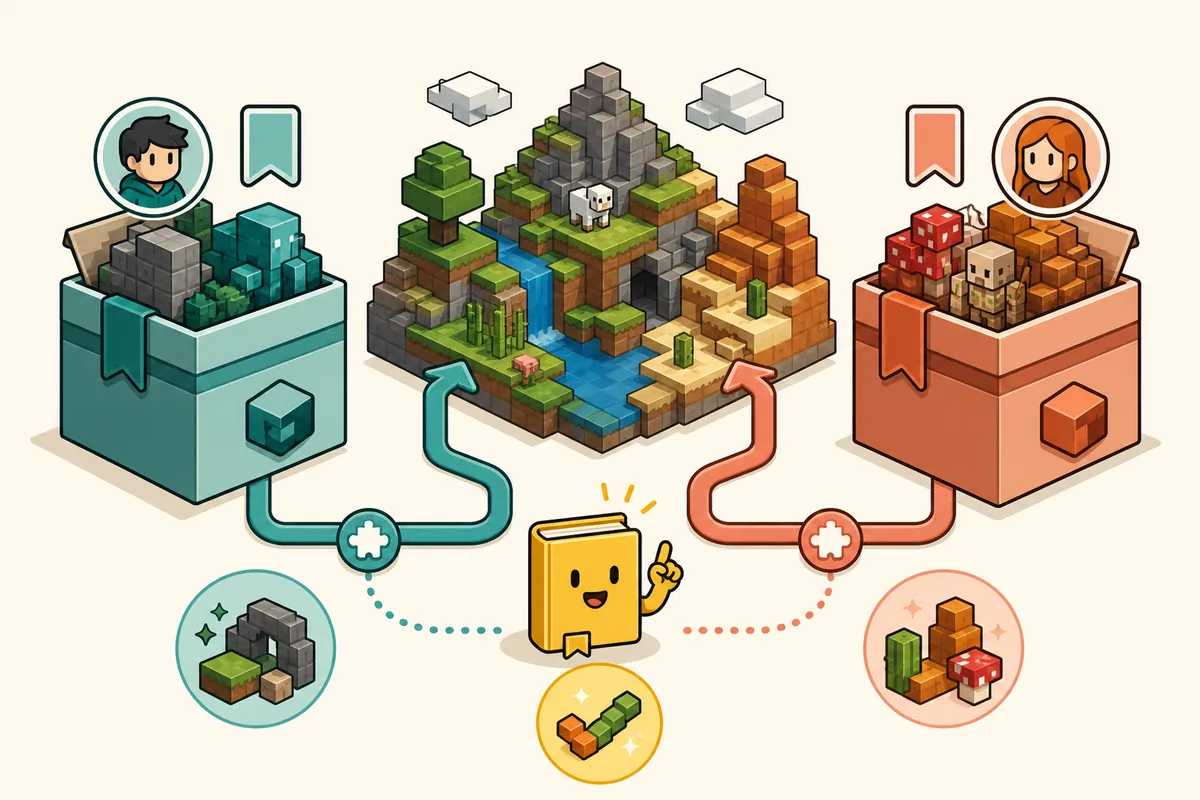
Start with the edition and then identify the exact listing. The Java project record checked for this guide is Verity JE by VarmiteYT, Project ID 1591438. Bedrock search results include distinct add-ons, including Verity BE by Undertaletalelover, Project ID 1574632, and Verity - Bedrock Edition by PnTMC, Project ID 1575941. These identifiers point to separate project histories; they are not interchangeable versions of one shared package.
A listing can change ownership, filenames, supported versions, or availability. Read the current publisher page rather than copying an old number from a forum, video description, or third-party guide. If an identifier or author is missing, pause and compare the destination against the maintained source before downloading. The project comparison image below is a visual orientation aid; the live publisher record remains the authority for current files.
Verity Mod FAQ: what is the current Java version?
On October 24, 2026, the maintained Modrinth version list showed a Verity JE 6.0.0 record for Minecraft 1.20.1 using Forge. This is a dated observation of that publisher page, not a guarantee that the same release remains current when you read this FAQ. The list may change, and preview or beta files should not be silently treated as stable releases.
Before updating, open the Modrinth Verity JE version list, select the intended release, and compare its game version, loader, filename, release type, and publisher notes. This FAQ does not provide a direct binary download because a current file's exact size and stable direct URL were not independently verified for this update. Use the version and compatibility guide for the site's broader release-record context.
Is Verity Mod safe to download?
No web guide can promise that every file carrying the Verity name is safe. Risk depends on the specific destination, publisher account, package, and what you do after downloading it. Prefer a maintained project page that exposes its author, identifier, release history, compatible game version, and original file details. A familiar thumbnail or a page that says safe is not a substitute for those checks.
Stop if a download flow hides its publisher behind repeated redirects, adds an unrelated installer, asks you to disable security controls, or claims the same package serves every edition. Compare the final destination with the project page and inspect the file type before opening it. When a publisher supplies size or a checksum, compare the downloaded file with those values; do not invent a checksum when none is published. Follow the full Verity download safety checklist for a repeatable review.
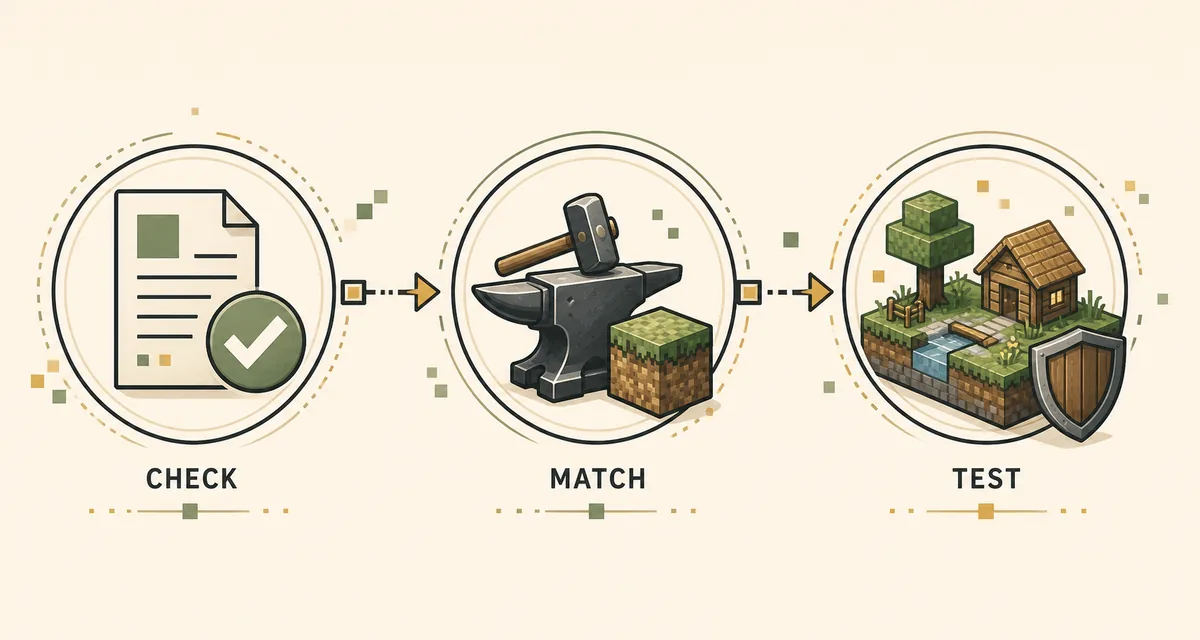
- Verify the project host, author, and project ID.
- Match the extension and release record to Java or Bedrock.
- Avoid renamed archives, deceptive countdowns, and third-party executables that are not part of the project instructions.
- Test unfamiliar files in a separate game profile or a new world, and keep a backup of valuable worlds.
How do I install, update, or remove a Verity project?
There is no single installation sequence for every Verity project. For Java, create or select the game profile required by the release, install its stated loader and dependencies, then place only the matching JAR in that profile's mods folder. For Bedrock, import the publisher's package and enable the resource or behavior packs requested by its instructions. Do not move a Java file into a Bedrock folder or copy another project's dependency list.
For an update, note the current file and game version, read the new release notes, and back up worlds before changing loaders or add-ons. Remove old files only after confirming they belong to the same project and profile. If a release changes its package format or settings, use the publisher's migration notes rather than guessing. The dedicated Java installation steps and Bedrock installation steps show the edition-specific paths.
- Record the game edition, exact game version, loader or package, author, and release ID.
- Install dependencies named by the same project and release; avoid adding unrelated files to troubleshoot by trial and error.
- Launch a test profile or world before opening a long-running save.
- Keep a backup and a copy of the prior release until the new one works.
Can I use Verity in multiplayer or with the AI features?
Multiplayer support depends on the exact project, version, server setup, and whether required components run on the client, server, or both. A single-player result does not prove that a server accepts the same files. Check the chosen project's notes and coordinate the exact release with the server owner before joining. Never upload a world or configuration to an unfamiliar service just to test compatibility.
Some versions may describe voice or AI features that need extra setup or an external provider. Availability can change with the project, provider, region, account, and configuration. Read the current setup instructions and privacy terms before connecting a service, and do not assume that every feature works offline or is included in every release. Use the multiplayer setup guide and voice and conversation guide for those separate tasks.
Why does Verity Mod not work?
First write down the exact edition, game version, loader or Bedrock package, project author, release label, and complete error message. Then compare those values with the publisher's current notes. A mismatched game version, unsupported loader, missing dependency, duplicate JAR, disabled behavior pack, or stale configuration can produce similar symptoms, so changing several things at once makes diagnosis harder.
Reproduce the issue in a clean profile or a new test world with only the required files. If that works, add optional components back one at a time. If it still fails, keep the log and use the project support channel with the release ID and setup details. The Verity troubleshooting guide covers common setup checks without promising a universal fix.
Is this an official Minecraft or creator site?
No. This site is an independent fan resource, not Mojang, Microsoft, or a substitute for a project's publisher page. Use the linked project record for authorship, availability, and current release details.
More Verity Mod questions
Is the Verity Mod real?
This Verity Mod FAQ distinguishes real Java and Bedrock community projects as separate implementations. A project page does not prove that every horror-series scene appears in either download.
What is the current Java version?
The Modrinth list checked October 24, 2026 showed Verity JE 6.0.0 for Minecraft 1.20.1 with Forge. Recheck the live list because releases can change.
Is Verity Mod available for Bedrock?
Separate Bedrock add-ons are listed under different creators. Compare each publisher and project ID on the maintained listing before choosing one.
Can I install a Java JAR on Bedrock?
No. Java uses loader-managed JAR files, while Bedrock uses add-on packages. Select the correct edition and its matching project.
Is every Verity download safe?
No blanket safety guarantee applies to every file with this name. Verify the publisher, project ID, destination, release details, and file type.
Can I use Verity in multiplayer?
It depends on the project version and server setup. Confirm client and server requirements with the publisher and server owner before joining.
Why does Verity Mod crash or fail to load?
Check the edition, game version, loader, required dependencies, and exact error log. Reproduce the problem in a clean test profile before changing several files.
Does this site host the Verity files?
This guide links to project sources and does not claim to repackage the files. Use the linked publisher record for the current package and release details.
Project records checked for this FAQ
- Verity JE version list on Modrinth — Maintained Java project release records; verify the current version, loader, and game compatibility here.
- Verity JE 6.0.0 record — Release record observed during the October 24, 2026 freshness check.
- Verity BE on CurseForge — Maintained listing for the Bedrock project by Undertaletalelover; check its current files and notes.
- Verity - Bedrock Edition on CurseForge — Separate Bedrock project listing by PnTMC; do not merge its instructions with other add-ons.