
Verity JE Requirements and Dependencies
Verity JE needs a matched Minecraft Java 1.20.1 and Forge profile, plus the dependencies listed by the project. This checklist explains what to install, what to verify, and which symptoms point to a mismatched stack.
Repository source snapshot checked October 9, 2026; recorded release facts were last checked August 22, 2026 and should be rechecked on the linked project page before downloading.
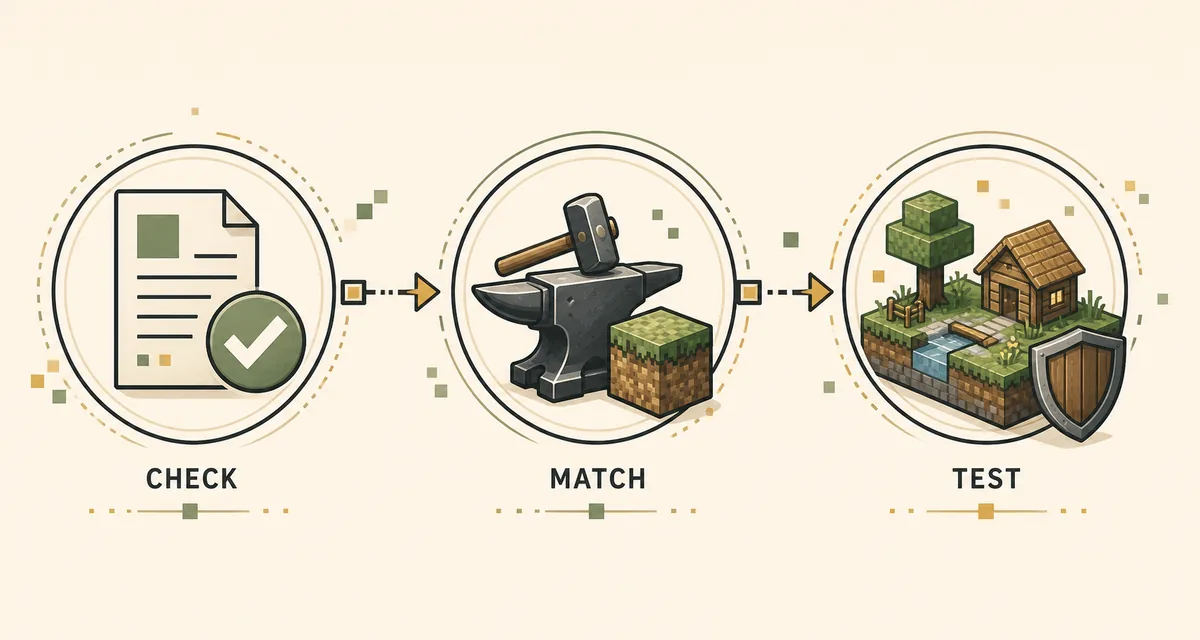
This Verity JE requirements page is a checklist, not a promise that a dated file is still the newest release.
Quick answer: the Verity JE requirements
The Verity JE requirements for the recorded Java release are Minecraft Java Edition 1.20.1, a Forge 1.20.1 profile, the Verity JE JAR, GeckoLib, YACL and a test world. Keep every dependency on the same Minecraft and loader generation. A launcher profile that says only Latest does not prove that it matches the mod.
Snapshot identifies verity-5.7.4.jar as the main Forge file, with a recorded size of about 235.1 MiB and SHA-1 2c1a7a5d4105ce809c61846e42f39cda19375ef3. These values help check a download, not a permanent latest-version guarantee. Reopen the source project and its Files or Relations information before each new setup.
- Minecraft Java Edition 1.20.1
- Forge for Minecraft 1.20.1
- GeckoLib and YACL versions that target the same stack
- The identified Verity JE JAR from a traceable project page
- A separate launcher profile and a backed-up test world
Match Minecraft and Forge before adding any file
Create or select a launcher instance whose game version is exactly 1.20.1, then install Forge for that version. Do not infer compatibility from the newest number shown in a launcher. Forge, the game, GeckoLib, YACL and Verity must share the same generation or the loader can stop before the title screen.
A separate profile makes this check reversible. Give it a name such as Verity JE 1.20.1, keep its mods folder isolated, and avoid testing the first launch inside a large modpack. Once a clean profile reaches the main menu, you have a known baseline for adding optional mods one at a time.
- Confirm the profile's Minecraft version in its edit screen, not only in the launcher shortcut.
- Confirm that the Forge installer and profile both target 1.20.1.
- Use a separate instance directory when your launcher supports it.
- Record the Forge build number so a later troubleshooting report is reproducible.
| Layer | What to match | Why it matters |
|---|---|---|
| Game | Minecraft Java 1.20.1 | The Verity release record is tied to this game version. |
| Loader | Forge for 1.20.1 | A NeoForge or Fabric profile is a different loading path. |
| Libraries | GeckoLib and YACL for the same stack | Missing or mismatched libraries can block startup. |
| Mod | Verity JE release from the identified source | The file must belong to the selected loader and version. |
| World | A copied or new test save | Unexpected events should not damage an established world. |
What GeckoLib and YACL do in the checklist
GeckoLib and YACL are published relations for the recorded Verity JE project. They are not interchangeable labels for any library with a similar name. Open the source project's Relations or dependency information and choose releases that explicitly support Minecraft 1.20.1 and Forge. If a dependency page offers several loader variants, the filename alone is not enough; read the game and loader tags.
Install dependencies before Verity and start with only this small set. If Minecraft reports a missing dependency, copy the exact mod ID and required version from the log. Replacing a library with a random newer build can turn a clear missing-mod message into a harder mixin or class-loading error.
- Download each dependency from a traceable project listing.
- Check the dependency's Minecraft version and loader tags.
- Keep the original filenames so the loader can identify the JARs.
- Do not mix Forge libraries with Fabric-only or NeoForge-only builds.
- Add optional mods only after the four-file baseline starts cleanly.

Java runtime, memory and launcher hygiene
Let the launcher use the Java runtime recommended for the Minecraft 1.20.1 profile unless the project instructions specify another supported runtime. Avoid changing Java, memory arguments and loader version at the same time. If a clean Forge profile starts but Verity crashes, change one variable and keep the previous working profile available.
The recorded JAR is large compared with a small cosmetic mod, so allow the launcher enough memory for Minecraft, Forge and the project's assets. Do not treat a generic memory value as a universal requirement: performance depends on the rest of the pack, render distance, shaders and operating system. Start with a modest render distance and no shaders while confirming the mod stack.
- Use the runtime selected or documented by your launcher for Minecraft 1.20.1.
- Keep Java path, memory flags and Forge build recorded with the profile.
- Start without shaders or unrelated mods when diagnosing a crash.
- Increase memory only after checking the log and the rest of the pack.
- Never paste API keys or service credentials into a launcher argument shared in a support post.
A clean first-launch sequence
Install Forge, then place GeckoLib and YACL in the profile's mods folder. Add identified Verity JE file last, start the game and wait at the main menu. A successful load confirms that the loader can read the files; it does not prove that optional AI speech or remote services are configured. Follow the project's current setup notes for those features separately.
Create a new test world or copy an existing one before exploring. Observe whether the companion, darkness effects and scripted events appear as described by the project. If the world behaves unexpectedly, close the game and preserve the first log instead of repeatedly changing files. A reproducible baseline makes it easier to tell a dependency issue from a feature configuration issue.
- Launch the isolated profile with only Forge, GeckoLib, YACL and Verity.
- Confirm the main menu appears without a missing-mod warning.
- Open a copied test world and check the expected Verity content.
- Close the game before replacing files if a crash occurs.
- Save the log, profile versions and exact filenames for the next diagnostic step.
Stable Forge path versus the deprecated branch
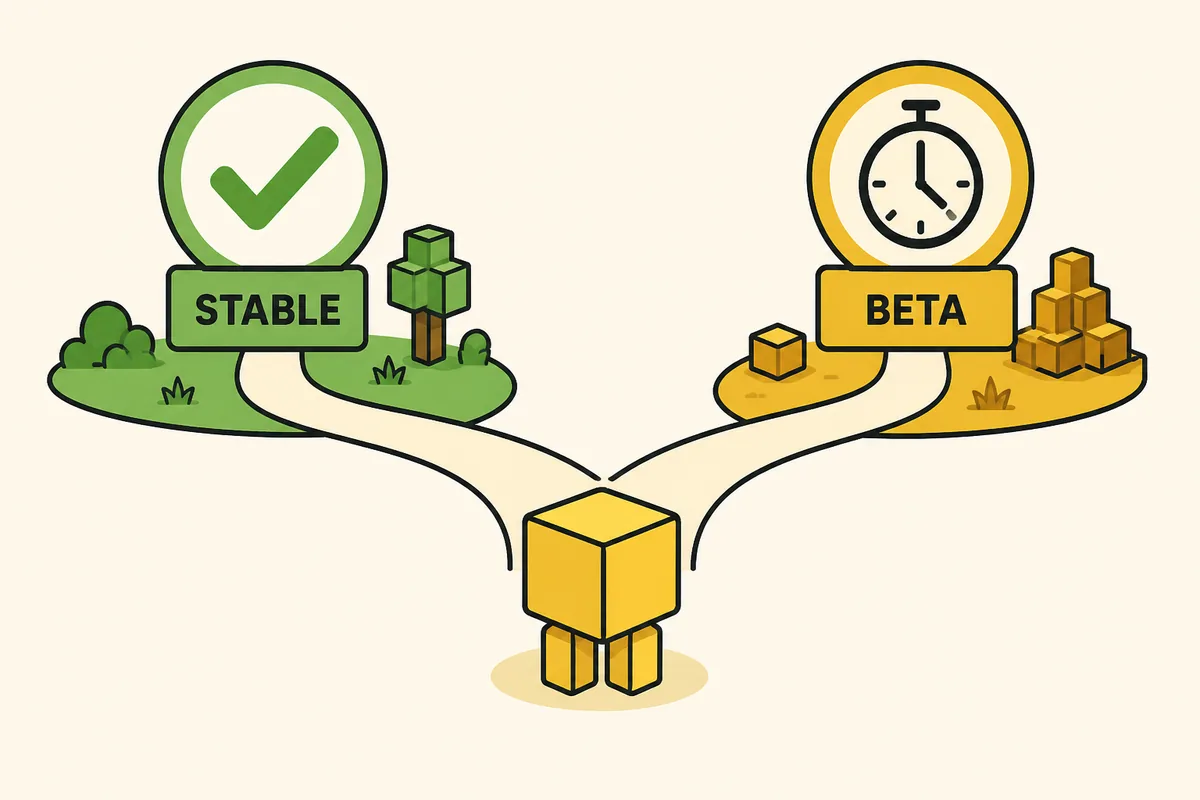
The source record also mentions a NeoForge path for Minecraft 1.21.1, but the maintainer marks that branch as deprecated and buggy. It is not a drop-in upgrade for the Forge 1.20.1 setup. Do not move an existing world to 1.21.1 simply because its number is higher; treat it as a separate experiment with its own profile and backups.
If you must test the alternate branch, keep its game directory, loader, dependencies and save separate from the recorded main release. Label screenshots and logs with the branch name. This prevents support reports from combining a Forge 1.20.1 error with a deprecated NeoForge 1.21.1 issue.
- Use Forge 1.20.1 for the recorded main Verity JE path.
- Treat NeoForge 1.21.1 as a separate, deprecated experiment.
- Never copy dependencies between the two profiles without checking their tags.
- Back up worlds before changing loader families or game versions.
Diagnose a missing dependency message
Read the first clear line in latest.log or the crash report. A message naming GeckoLib, YACL or another mod ID usually means the file is missing, the version is outside the requested range, or the loader cannot identify the JAR. Check the profile folder and the dependency's game and loader tags before downloading a replacement. If the log names a different loader, remove the wrong file, restore the recorded baseline and test again.
Diagnose a crash after the title screen
When the main menu opens but a world crashes, the basic loader requirement may already be satisfied. Look for the first mod, mixin or resource error rather than the final shutdown line. Temporarily remove optional mods, disable shaders and test a copied world. If the clean four-file baseline works, add the rest of the pack in small groups until the conflict is reproducible, then record the version matrix and redact credentials from shared logs.
Where this page fits in the Verity guide
Use the Verity Java download guide for the recorded file, source identity and hash. Follow the Java installation guide for the launcher and mods-folder sequence. Use the versions guide when a Minecraft update changes compatibility, and use troubleshooting after you capture the first error. The download safety checklist covers source and mirror checks.
Verity JE requirements FAQ
What Minecraft version does Verity JE require?
The recorded main Forge path targets Minecraft Java Edition 1.20.1. Recheck the source project before downloading because version records can change.
Does Verity JE use Forge, Fabric or NeoForge?
The main recorded file is a Forge build for Minecraft 1.20.1. A separate NeoForge 1.21.1 branch is described as deprecated and buggy; do not treat it as the same supported setup.
Which dependencies are listed for Verity JE?
The recorded project relations list GeckoLib and YACL. Choose releases that explicitly match Minecraft 1.20.1 and Forge, then keep their filenames unchanged.
Can I add Verity JE to an existing modpack?
Test it in a separate profile first. Once the Forge, dependency and Verity baseline works, add other mods one at a time and keep a backup of the world.
Why does Minecraft say a dependency is missing?
The dependency may be absent, use the wrong loader, target another Minecraft version or fall outside the requested version range. Read the first named mod ID in the log and compare its tags with the profile.
Is verity-5.7.4.jar still the latest release?
This page only preserves a dated repository record checked August 22, 2026. Open the linked Modrinth project and Files tab before treating any filename, size or hash as current.
Project source and related guides
- Verity Mod project on Modrinth — Use the maintainer listing to recheck the current file, game version, loader and dependency relations.
- Verity Mod Java download guide — The site's dated source record for the main Forge file, hash and download handoff.